
Drop-in for Swifty repos
Reads the same repo.json and mod.srf files — the JSON format and the legacy
text one — and reproduces the official MD5 checksum chain. Your repository works unchanged.
Arma 3 addon manager
Nimby installs from your community's existing Swifty repository, but it never downloads a byte it can get locally. Content that already sits in your Steam Workshop cache or in a shared mod store is linked into the workspace instead of copied.
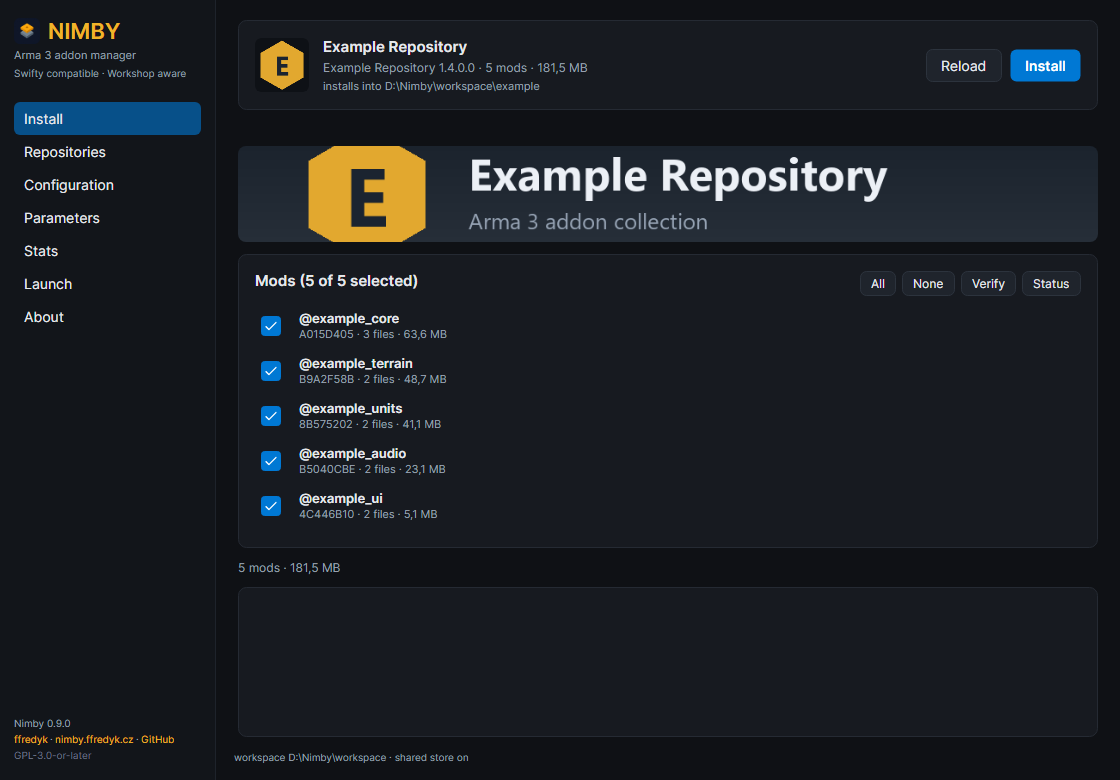
Built for communities that already run a Swifty repository, and for players who would rather not keep four copies of CBA on four drives.
Reads the same repo.json and mod.srf files — the JSON format and the legacy
text one — and reproduces the official MD5 checksum chain. Your repository works unchanged.
Most mods in an Arma repo carry a publishedid. A full match becomes a junction, a partial
match an overlay of hardlinks plus only the missing files.
Download a file once into one folder and hardlink it into as many repositories and workspaces as you like. The store is optional, and can be pruned.
.nimby/tracking.json records every installed file: where it came from, where it lives, its
link kind and a size+mtime signature. Updates become a stat call instead of a full rehash.
8 MiB range requests, four workers per file, per-mod bars with transfer rate, ETA, live cancel and resume. Everything is verified against the manifest, part by part.
One zip, no installer, no registry. Configuration and the hash cache live in data\ next to
the executable. The whole thing is GPL-3.0-or-later on GitHub.
For every file in the manifest Nimby looks for identical bytes — size first, then the MD5 of each part — in the Steam Workshop cache and in the shared store. Only what is missing is fetched.
| Mode | When it is used | Result | Extra disk |
|---|---|---|---|
dir-link | every file matches a Workshop item or the store | junction or symlink of the @mod folder | 0 |
overlay | some files match | hardlinks for those, download the rest | only the rest |
copy | links are impossible (exFAT, network share) | copies the bytes | full |
passthrough | opt-in | launch straight from the source folder | 0 |
Measured against a live Swifty repository with a cold cache. Junctions and hardlinks need no administrator rights; symlinks are the fallback, copying the last resort.
Six working pages plus an About page, no wizard, no tray app. Everything the UI does is a CLI call, so it can be scripted.
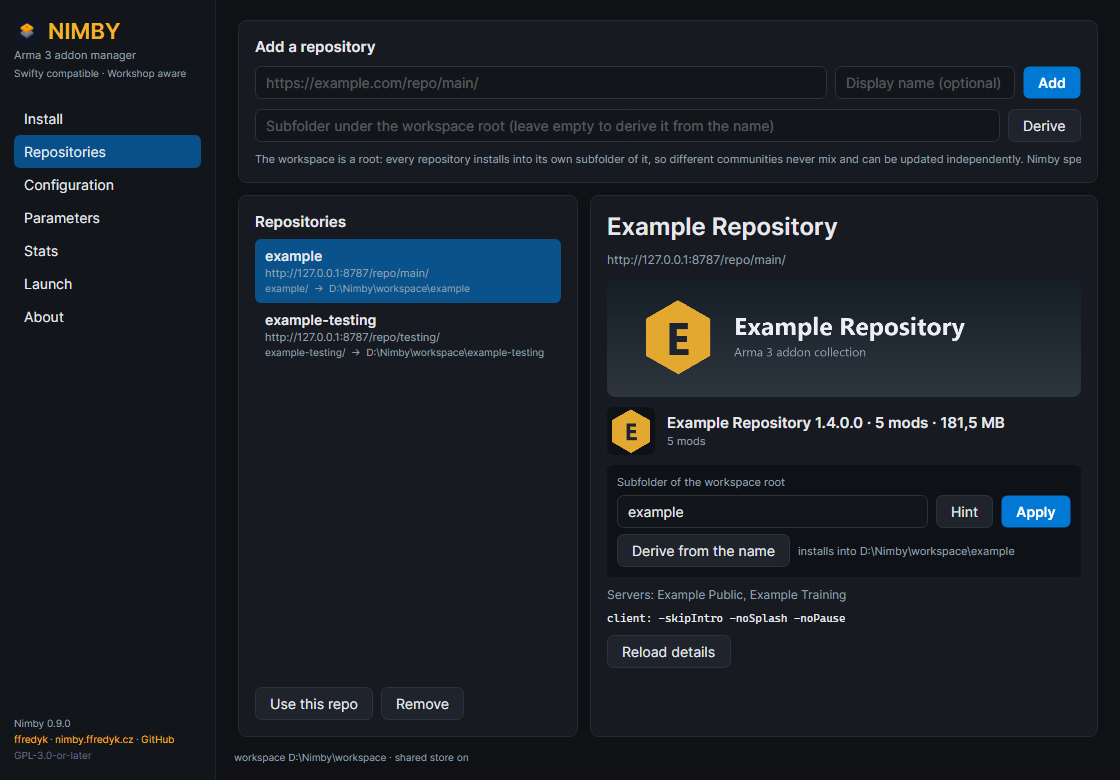
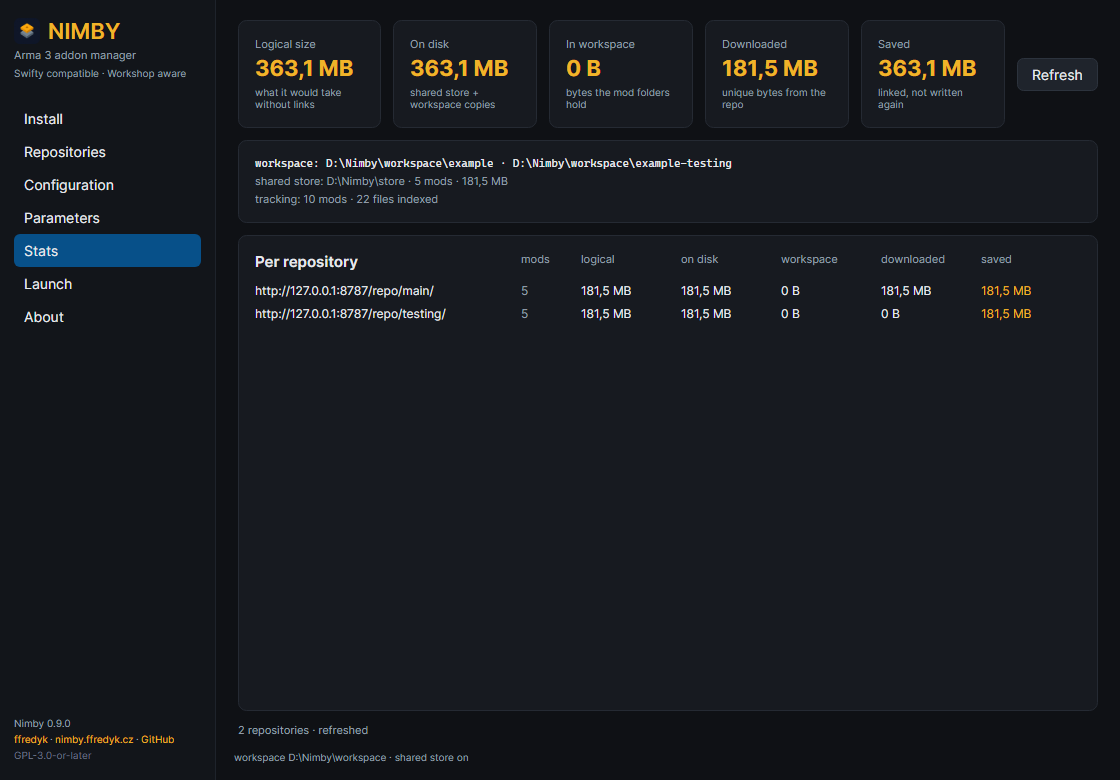
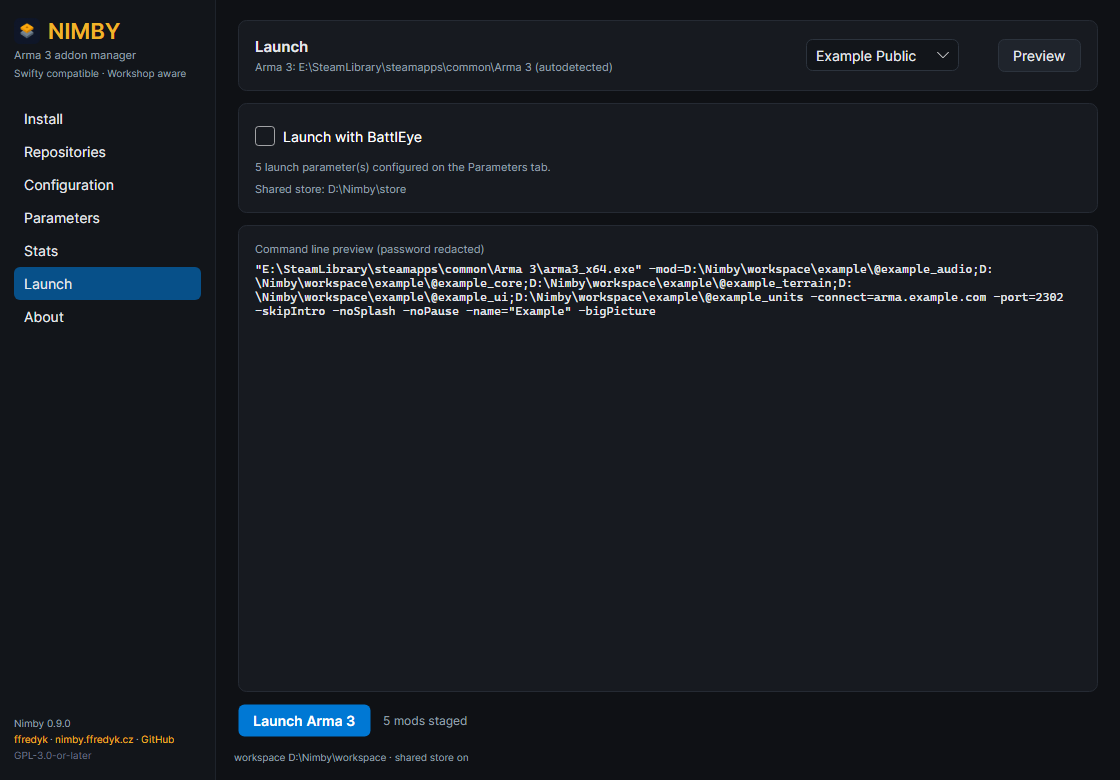
-mod= command line.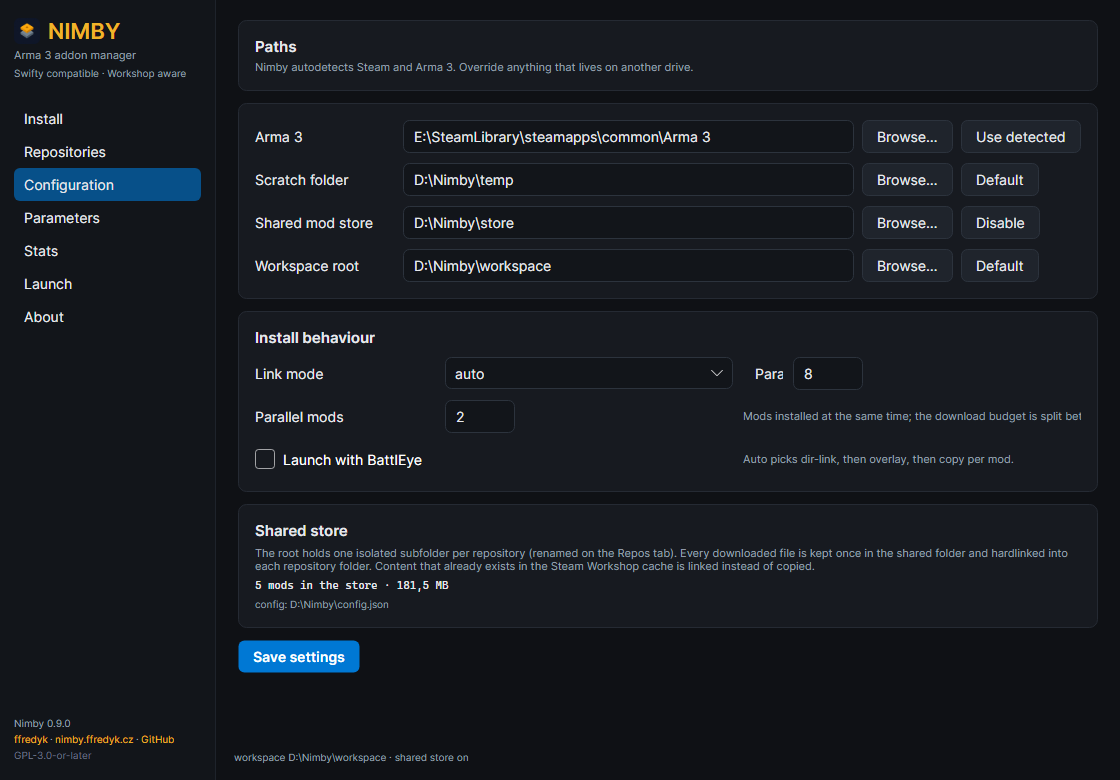
The zip is self-contained: extract it anywhere you can write, including a USB stick.
Nimby.exeNothing is installed and nothing is written outside the folder you extract to.E:\Nimby. Every repository gets its own subfolder there.SmartScreen will warn you. The build is not code-signed. Verify the SHA-256 of the zip
against SHA256SUMS.txt instead of trusting the download:
Get-FileHash .\nimby-0.9.0-win-x64.zip -Algorithm SHA256Windows 10 or 11 x64 and Arma 3 from Steam. The .NET runtime is bundled, so there is nothing else to
install. The CLI lives in bin\nimby.exe; keep it next to the GUI.
Coming from Swifty? nimby migrate imports
your Arma path, scratch folder, workspace, repositories and launch parameters.